

Import and onboarding
Move in without starting over.
Bring your customers, jobs and price sheet with you. Nothing is written until you confirm.
Your list, in Cubre.
9:41
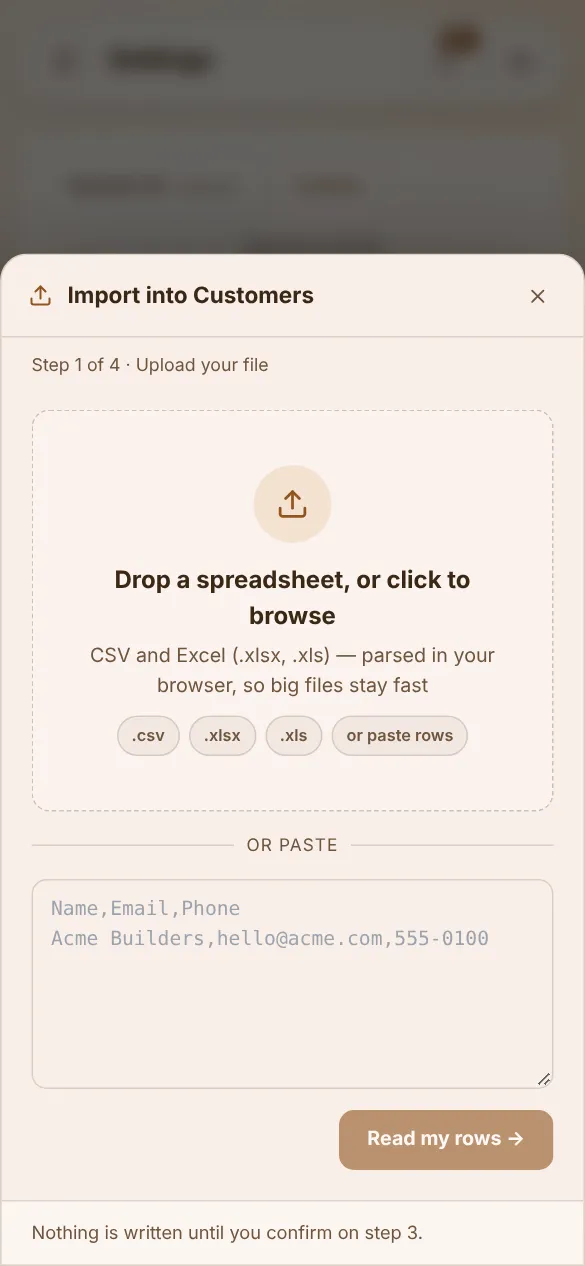
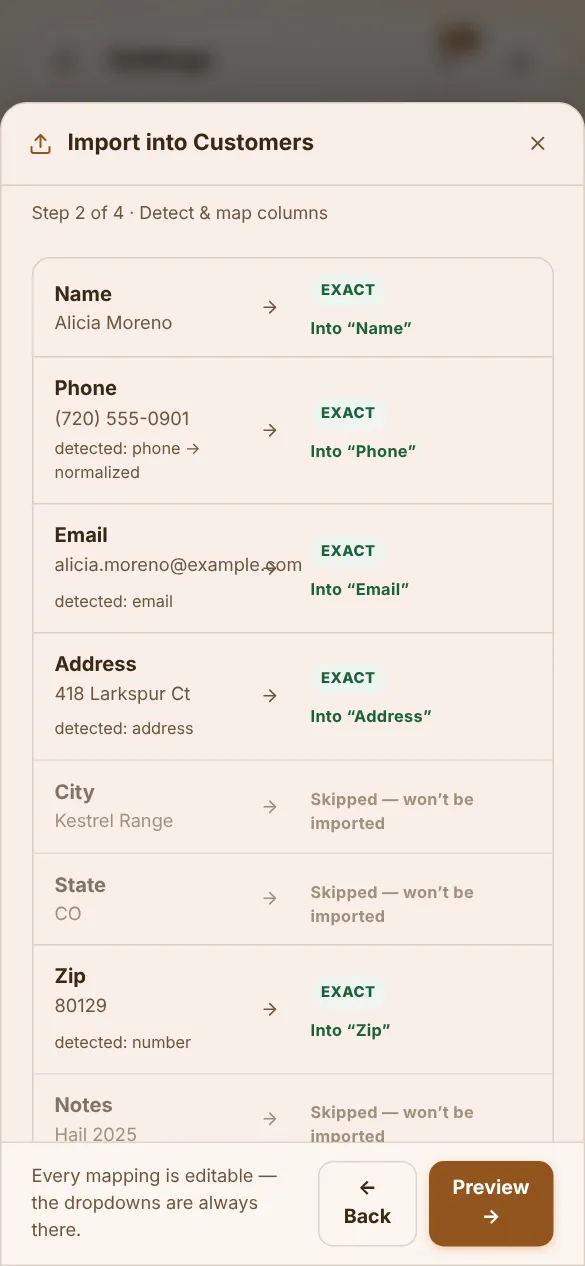
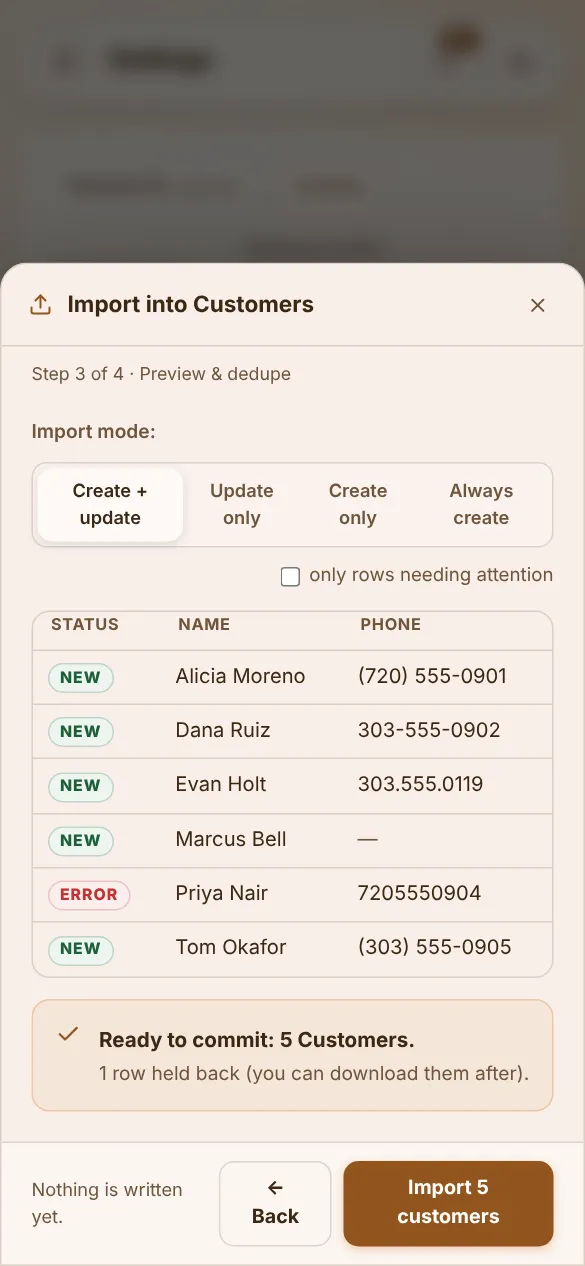
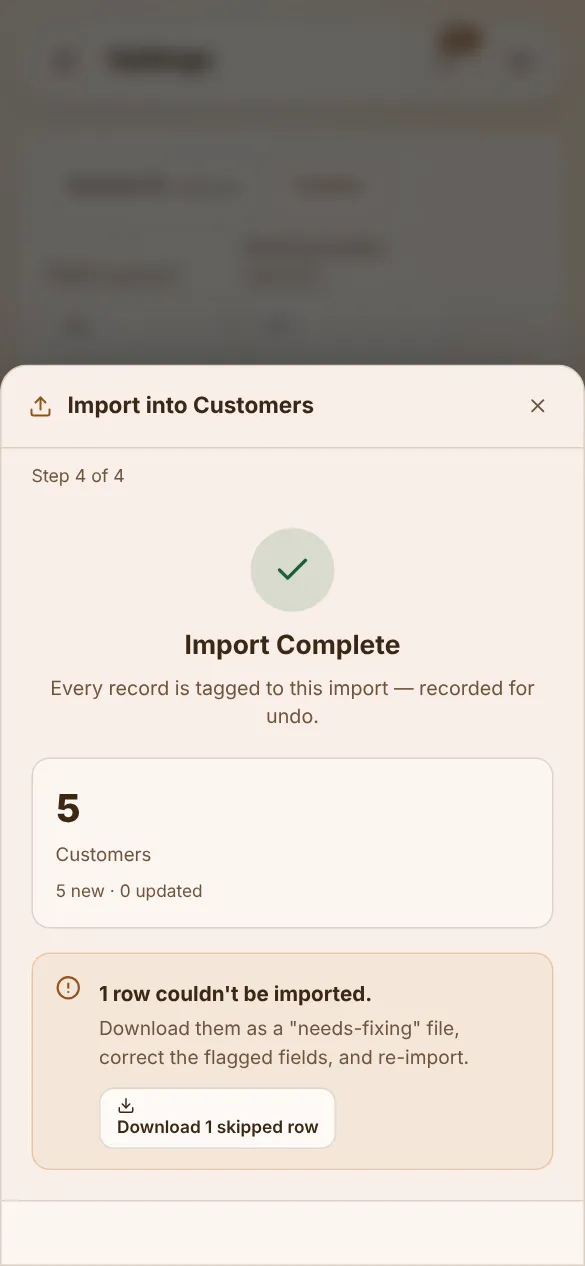
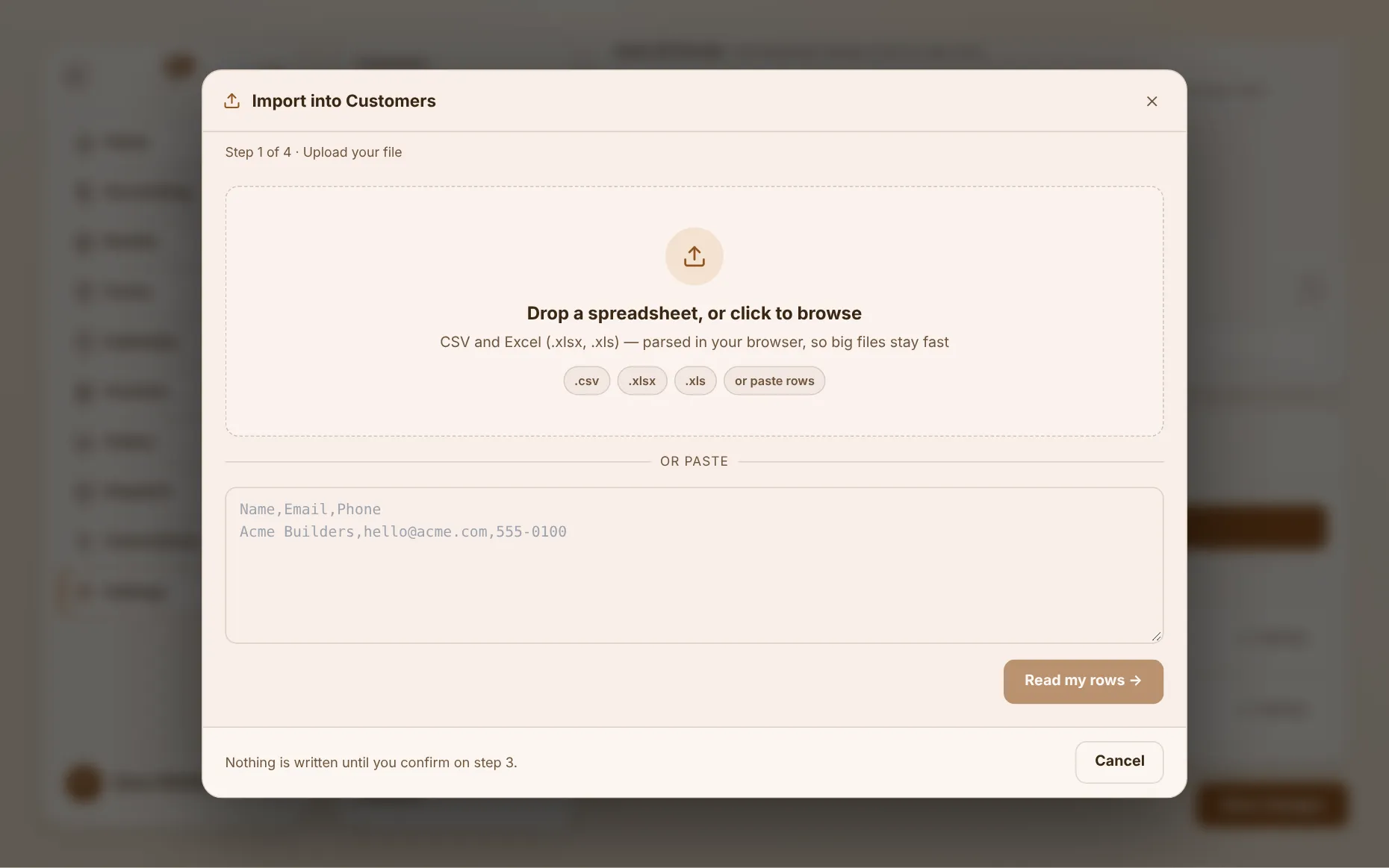
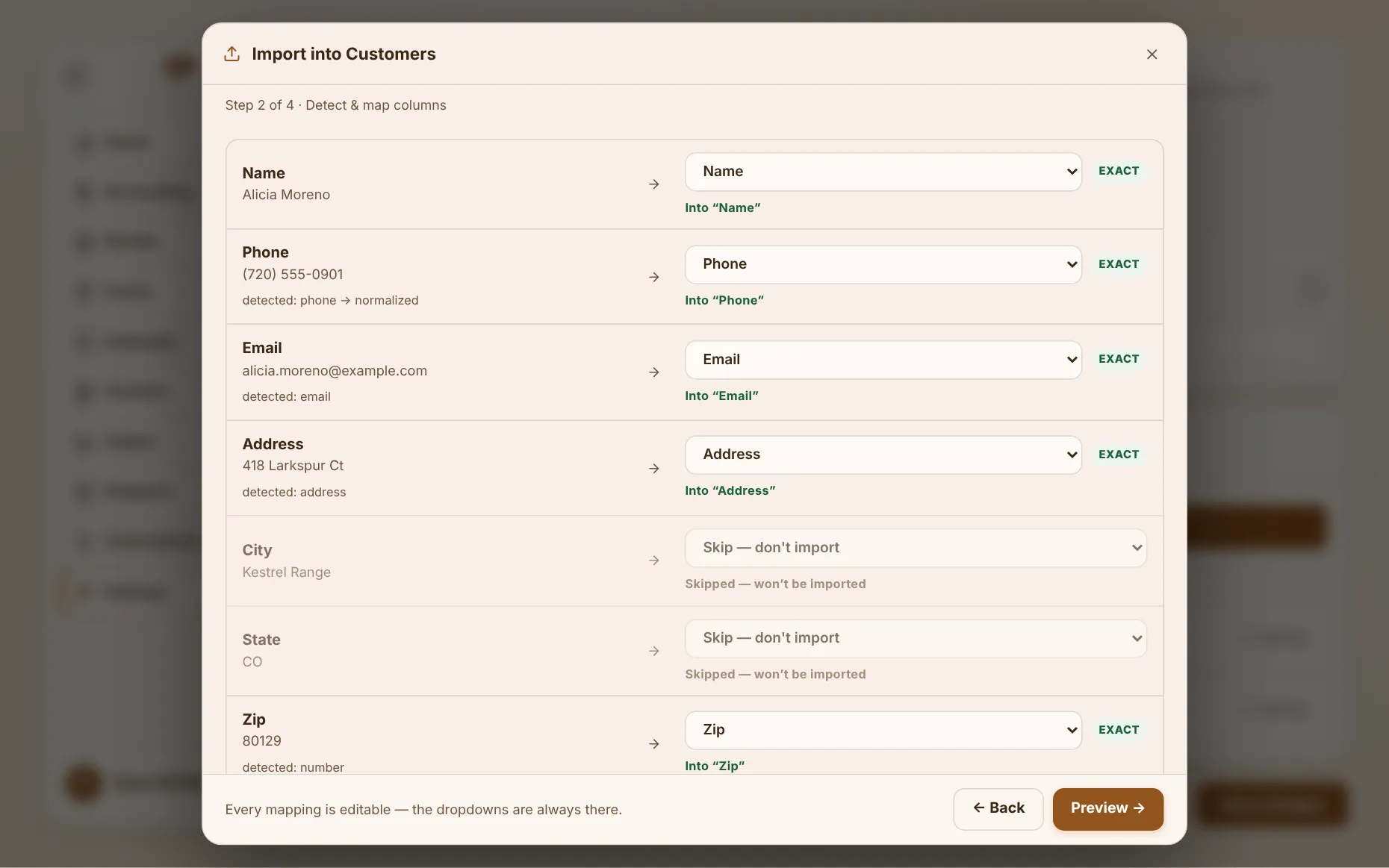
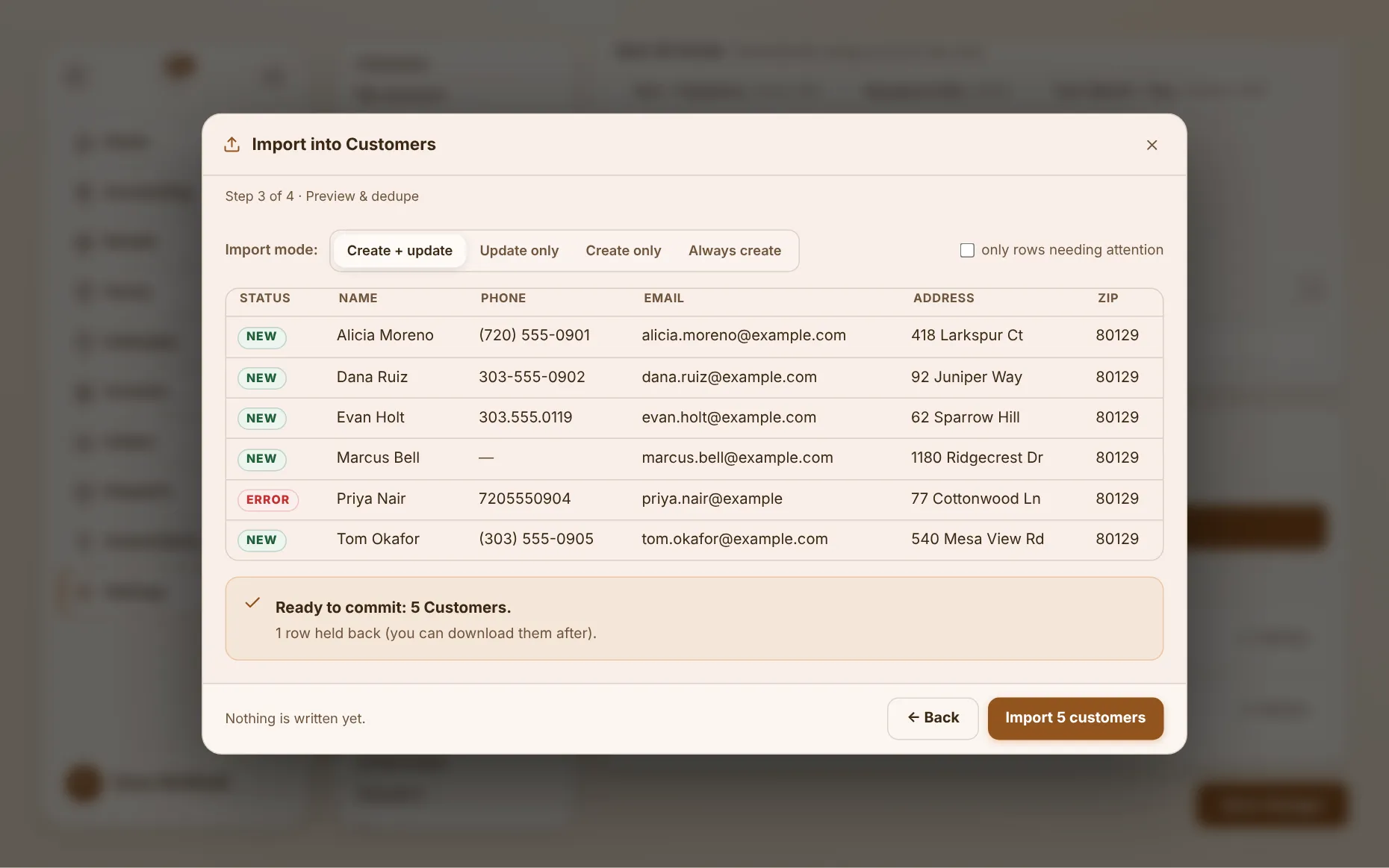
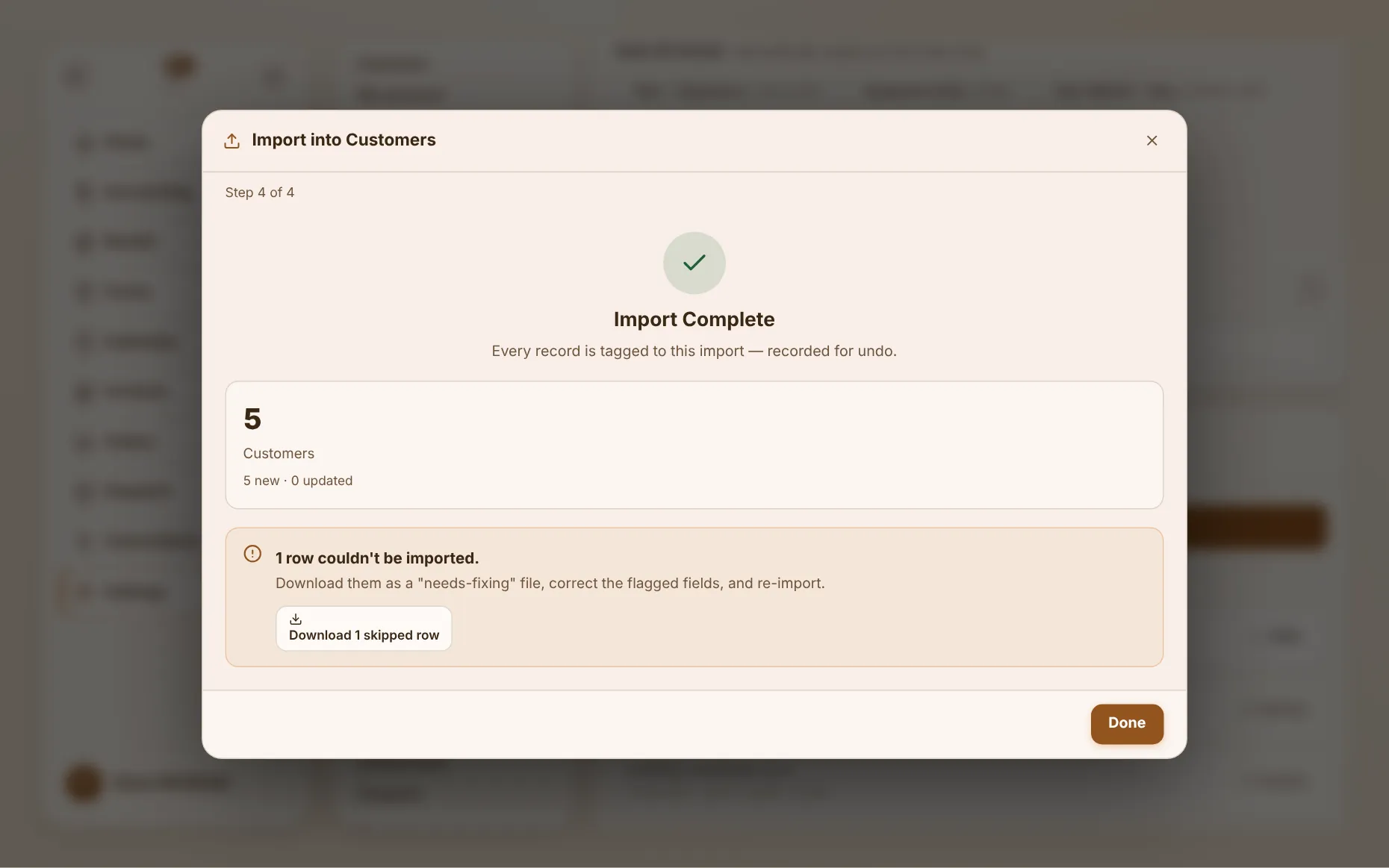
Drop a spreadsheet
Sample file. All names are fictional.
What comes in today.
Spreadsheets
CSV or Excel into a board, one board at a time. A jobs import also creates and links its customers.
Price Sheets
Prices fill in on items you already have. Anything new becomes a new item, after you check the matches.
Measurement Reports
An EagleView report PDF becomes an estimate.
Carrier Estimates
Upload the PDF, and Cubre reads the claim details.
Google Drive Folders
Files land on the right records.
Your old system, in one drop.Coming soon
old-system-export.zip
contacts.csvCustomers
jobs.csvJobs
documents.csvInvoices and estimates
photos/Files on jobs
notes.txtYou choose
The $3,420.00 still owed counts in what customers owe you. Cubre won't remind anyone until you click Make Live.
- Linked review before saving
- Old estimates and invoices
- PDFs and screenshots
Ready when you sign in.
BoardsCustomers, Jobs and Claims
Job StagesLead through Complete
Your BooksA chart of accounts
Your DayDashboard and scheduling
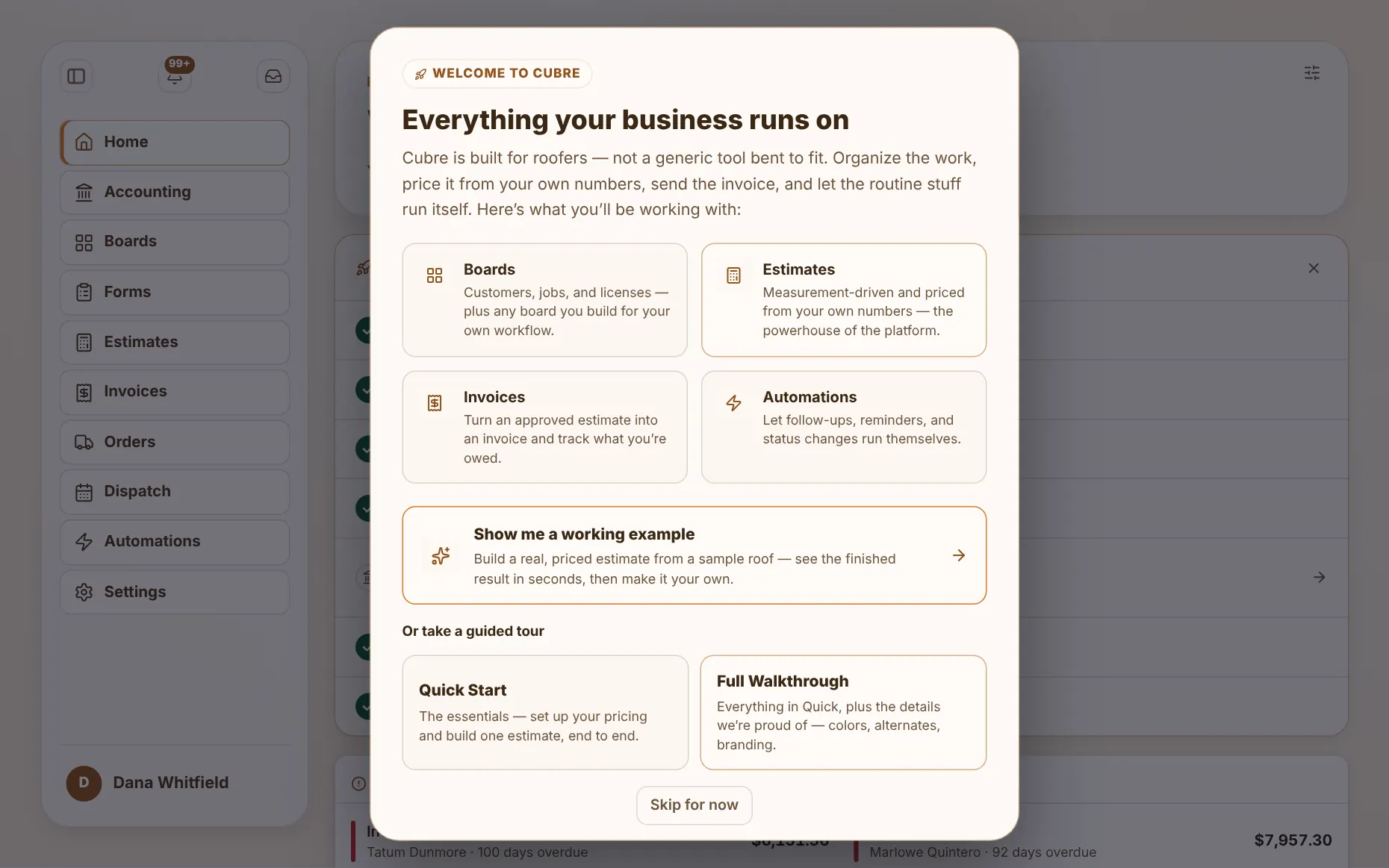
9:41
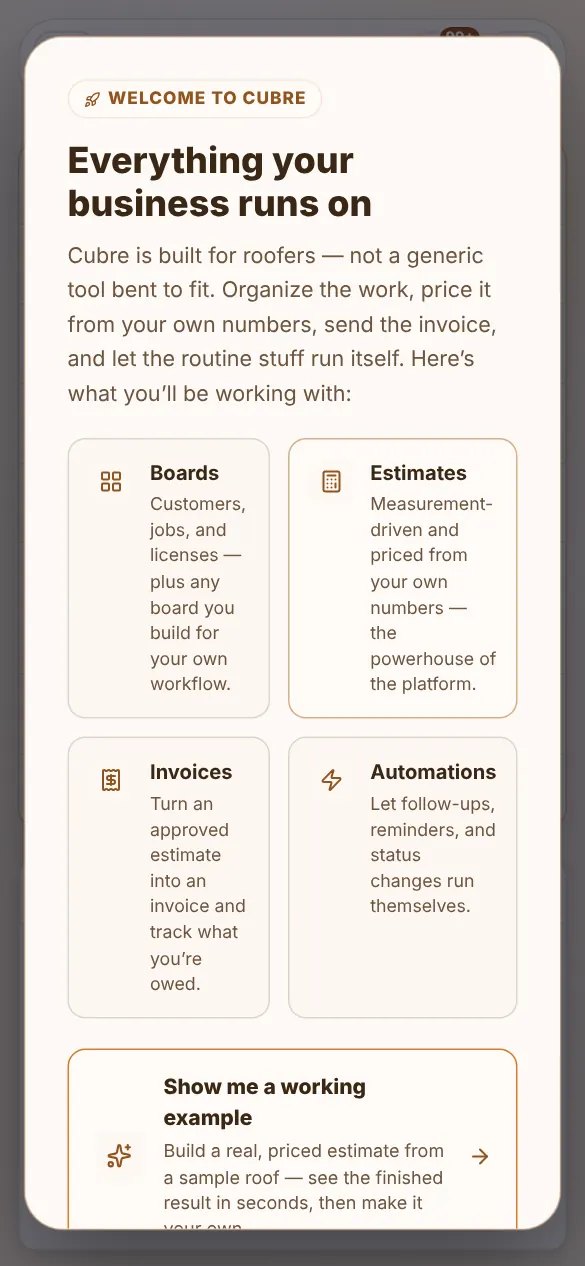
- Show me a working example
- Which roof types do you work in?
- Your Estimating Defaults
- Stock Your Library
- Import a price sheet
Your data can leave too.
Settings, Your data, Export Your Data: an Admin downloads a ZIP of spreadsheets and your original files.